
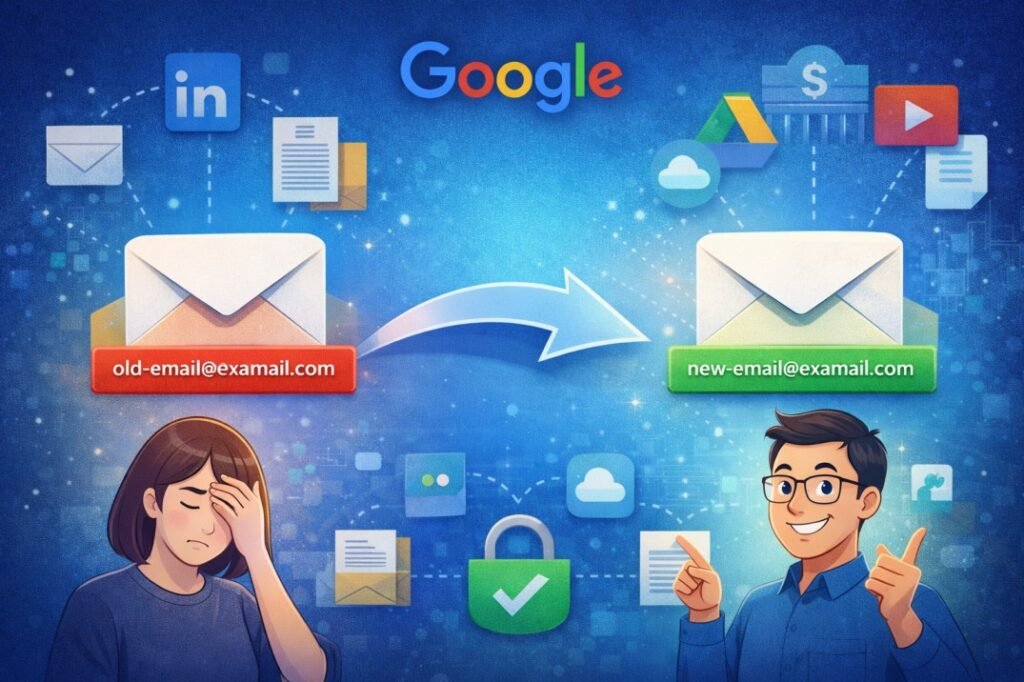
Say Goodbye to Your Cringe-Worthy Gmail: How to Swap Your Email Without Losing a Single Byte
change Gmail address without losing data We’ve all been there. You’re applying for a dream job or sending a serious document, and you realize you’re still using the email address you created in 2005. Whether it’s skater_boy_99@gmail.com, princess_sparkles_xoxo@gmail.com, or something even more regrettable, our teenage digital choices often haunt our adult lives.
For the longest time, the only way to escape an embarrassing Gmail address was to start over. You had to create a brand-new account, tell all your contacts to update their address books, and manually move years of precious photos, emails, and Drive documents. It was such a headache that most of us just sighed and kept using the old one.
But the wait is finally over! Google is rolling out a game-changing feature that allows you to swap your primary @gmail.com address for a fresh one—all while keeping your data, logins, and settings exactly where they are.
Why This is a Big Deal for Your Digital Identity
Your email address isn’t just a way to send messages; it’s your digital passport. It’s linked to your YouTube subscriptions, your Google Photos library, your Android phone settings, and even your bank accounts.
In the past, Google’s policy was strict: if your address ended in @gmail.com, it was permanent. Changing it meant breaking those links. By finally allowing users to update their usernames, Google is recognizing that people grow up, change names, or simply want a more professional look without the “data tax” of a manual migration.
How the New Feature Works: The “Swap” Explained
The beauty of this update lies in its simplicity. Instead of forcing you to migrate data, Google essentially lets you “re-label” your account.
1. Your Old Address Becomes an Alias
When you choose a new email address, your old one doesn’t just disappear into the void. It becomes an alias for your account. This is the best part: any email sent to your old “embarrassing” address will still show up in your inbox. You won’t miss a single message from that old friend or that newsletter you forgot to update.
2. No Data Loss
Since you aren’t actually moving to a “new” account, everything stays put.
- Google Drive: All your files and shared folders remain accessible.
- Google Photos: Your entire library of memories stays intact.
- YouTube: Your playlists and subscriptions don’t change.
- Purchases: Any apps, movies, or books bought on Google Play remain yours.
3. Dual Sign-In
You can continue to sign in to Google services using either your old address or your new one. This ensures that even if you forget which one is “primary” for a moment, you’re never locked out.
Step-by-Step: How to Change Your Gmail Address
Ready to upgrade to a grown-up email? Here is how to check if the feature is available for you and how to use it.
Step 1: Check Your Eligibility
Google is rolling this out gradually (starting with specific regions like India and expanding globally). To see if you have the option:
- Go to your Google Account settings (myaccount.google.com).
- On the left-hand menu, click on Personal info.
- Scroll down to the Contact info section and click on Email.
- Look for the section labeled Google Account email. If you see an “Edit” button or an option to change it, you’re good to go!
Step 2: Choose Your New Username
Click the edit option and enter your desired new username. Remember, it still has to end in @gmail.com. Google will check if the name is available. Try to pick something timeless this time—like your name or a clean professional handle.
Step 3: Verify and Confirm
Google will send a verification link to your new address or ask for a confirmation via your recovery phone number. Once confirmed, the change is instant. Your new address becomes the “Primary” one, and your old one moves to the “Alias” list.
Important Rules and Limitations to Keep in Mind
While this feature is incredibly helpful, Google has put some “guardrails” in place to prevent people from changing their names every other day.
- The 12-Month Rule: Once you change your address, you cannot change it again for 12 months. Choose wisely!
- Total Limits: You can only change your address a maximum of three times over the lifetime of your account. This gives you a total of four possible addresses.
- Username Safety: Your old address remains yours forever. No one else can claim it or use it to impersonate you.
- Third-Party Apps: While Google services will work perfectly, some third-party websites where you used “Sign in with Google” might get a bit confused. You may need to log out and log back in on those sites to refresh the connection.
Pro-Tips for a Smooth Transition
Even though Google handles the heavy lifting, a little prep work goes a long way:
- Update Your “Send Mail As” Setting: Ensure your outgoing emails reflect your new name by checking the “Accounts and Import” tab in your Gmail settings.
- Notify Key Services: While emails will still arrive, it’s a good idea to manually update your email on high-importance sites like your bank or insurance provider over the next few months.
- Check Your Signature: Don’t forget to update your email signature! It’s a small detail, but you don’t want to be sending professional emails from a new address while the signature still lists the old one.
Conclusion
The ability to change your Gmail address without losing your digital life is an update we’ve been waiting over a decade for. It represents a more flexible, user-friendly approach to digital identity. No longer are we punished for the choices our 13-year-old selves made; we can finally have an email address that reflects who we are today.
So, go ahead—take a look at your account settings. If the feature is live for you, it’s time to retire the “cool_guy_2004” handle and embrace a fresh start.
Frequently Asked Questions (FAQs)
Q: Will I lose my Google Photos or Drive files if I change my email? A: No! All your data, including Photos, Drive, and YouTube, stays exactly where it is. Only the “label” of your account changes.
Q: Can someone else take my old email address once I change it? A: No. Your old address is permanently reserved for you as an alias. It stays linked to your account, so no one else can ever register it.
Q: Do I have to pay to change my Gmail address? A: No, this is a free update being rolled out by Google to all personal account holders.
Q: What happens if someone sends an email to my old address? A: You will still receive it! The old address acts as an alias, forwarding all incoming mail directly to your inbox.
Q: Is this feature available for Work or School accounts? A: Usually, no. This rollout is primarily for personal @gmail.com accounts. If you use Google Workspace for work or school, your IT administrator is the only one who can change your email address.
Q: Can I change back to my old address if I don’t like the new one? A: Yes, you can revert to your original address, but keep in mind the 12-month waiting period between changes still applies.
Would you like me to adjust the formatting or add any more specific details to a certain section?
One Response